

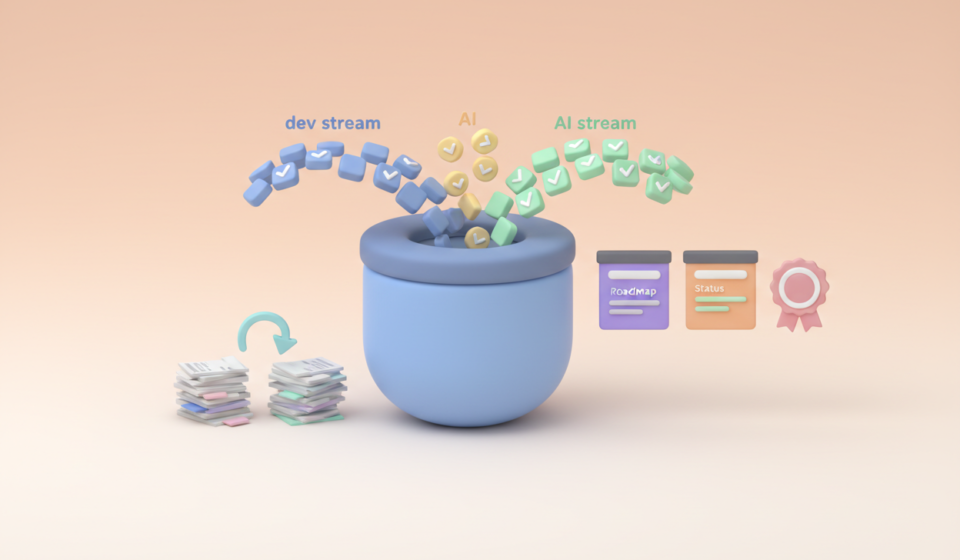
I Stopped Opening Jira and Nothing Broke

Table Of Contents
I noticed something a few weeks ago. I hadn’t opened Jira in over a week. Not because I was avoiding it. Not because I was on holidays. I just didn’t need it.
I’d been spending most of my time in Zed and GitHub. “Writing” code, reviewing PRs, checking pipeline status, reading commit histories. When I needed to know what was happening on the project, I asked AI to summarise it from the repo activity. When I needed to understand the state of a feature, the code told me. When I needed to track what I’d done, the commit log was right there.
And the thing that really got me thinking was this: nothing fell over. Nothing got missed and the work kept moving. The only thing that changed was I stopped context-switching into a tool that, if I’m being honest, I was mostly using from years of habit.
This isn’t an article about how Jira is bad. It’s about what happens when the tools you actually use every day, start doing the job that the tools you’re paying for were supposed to do. This is also not a topic a Product Owner or Scrum Master wants to read.
The Daily Reality Shifted
Here’s what my workflow looks like currently. I open Zed. I’m mostly working with Markdown files, reading code and using the terminal. Claude Code is right there. I’m working in the repo, pushing commits, reviewing changes, running tests. Yes, I am also viewing the web application to verify and validate outcomes. If I need to know whether a feature is on track, I can ask AI to look at the recent commit history, open PRs, and branch activity to give me a summary. If I need to understand a piece of the codebase I haven’t touched in a while, I ask it to walk me through the recent changes.
The information I used to go to Jira for, what’s in progress, what’s blocked, what’s been done, what’s assigned to me, is already sitting in the repo. It just wasn’t easy to surface before. AI changed that. It can read the commit messages, the PR descriptions, the branch names, and piece together a picture of the project. That is arguably more accurate than a Jira board, because it’s based on what actually happened in the code rather than what someone remembered to update on a ticket.
Now I love Jira, for big teams when many stakeholders are involved, giving everyone that one stop shop. I’m not saying this works for everyone or every team. But for a small team doing hands-on development work, the question becomes: why are we maintaining a separate system to track what we’re already doing in the place where the work lives and breathes?
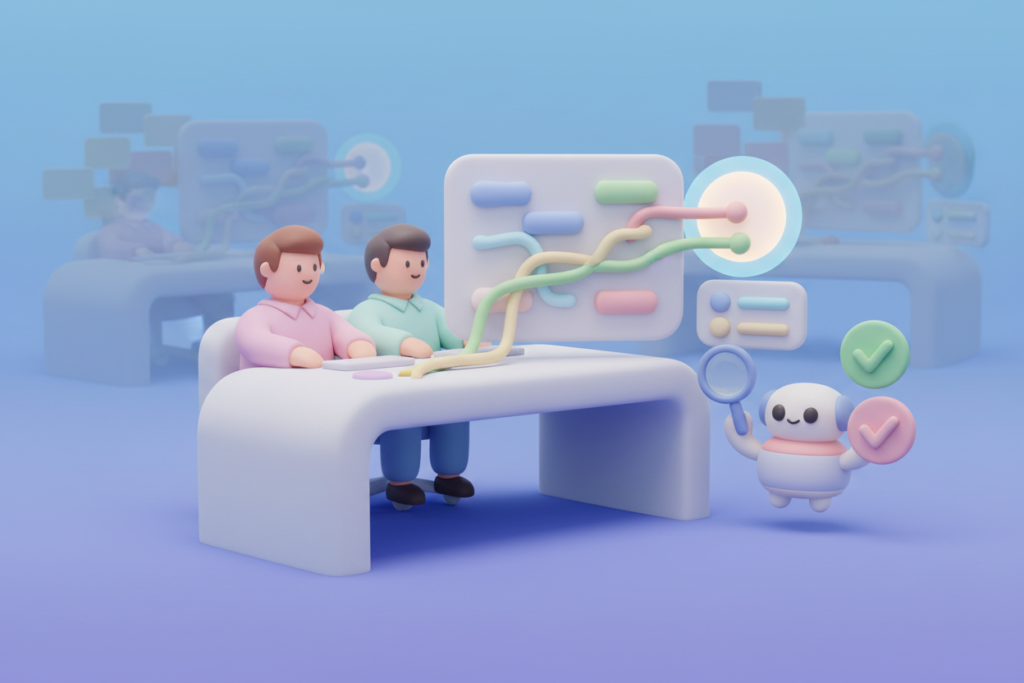
The Cost of the Middle Layer
Jira isn’t free, for most businesses. And I don’t just mean the licensing costs, though those aren’t nothing. A Jira instance for 50 people can run north of $10,000 a year (AUD). That’s real money, especially for small to medium teams.
But the bigger cost is the overhead. Someone has to set it up. Someone has to configure workflows, maintain boards, manage permissions, create filters. Someone has to train new team members on how the team uses it, because every team uses it differently. And then everyone has to actually keep it updated, which is the part that consistently falls apart.
I’ve lost count of the number of standups where someone says “I’ll update the board after this.” We all know what happens next. The board drifts. The status doesn’t match reality, until the last day of the sprint. And now you’ve got a tracking tool that’s tracking a version of reality that’s lapsed.
Git doesn’t have this problem. The code is the code. The branch was created or it wasn’t. The commit happened or it didn’t. The PR is open or it’s merged. There’s no lag between the work and the record of the work.
There’s a cultural cost too. Jira can quietly become a reporting engine that rewards looking busy over being productive, I have seen this. Tickets closed and burn-down charts look great in a sprint review, but they don’t tell you much about whether the team is truly improving. Git-native metrics like cycle time and lead time do. They measure the actual flow of work through the codebase, not how diligently someone updated a board.
Where AI Fills the Gap
The missing piece was always synthesis. Git has all the raw data, but turning that into something useful required effort. You’d have to trawl through commit logs, cross-reference branch names with tickets, piece together the story yourself. That’s why tools like Jira existed in the first place. They gave you the summary layer.

AI does that now. And it does it from the source of truth rather than from a system that depends on humans remembering to update it.
I’ve been using Claude to generate project summaries directly from repository activity. Not perfect summaries, but good ones. Good enough that I can walk into a meeting with a client and speak to the current state of things without having opened a project management tool.
What makes this more useful than it sounds is that AI can tailor the output for the audience. A technical summary for the dev team might walk through individual commits and highlight blockers. A stakeholder summary might focus on features delivered and user-facing progress. Same repo data, different lens. That’s something Jira technically supports with dashboards and filters, but requires someone to configure and maintain.
The tooling for this is only going to get better. GitHub Projects has evolved and now handles basic agile workflows natively, free. Yes there are other lightweight alternatives for teams that don’t need Jira’s complexity, both paid and free. And developers can build AI tools directly into their workflows rather than bolting it on afterwards or context-switching.
What Jira Still Does Well
I want to be fair here. Jira isn’t going anywhere overnight, and there are things it does that Git and AI don’t replace.
If you’re a non-dev team using Jira for HR workflows, finance tracking, or operational project management, none of what I’m describing here applies. Jira’s flexibility is a real strength in those contexts, or like minded tools.
And if you’re in a regulated industry where you need to demonstrate traceability from requirement to test to deployment, a proper tool-chain like Jira and Confluence still has a place. Verbose record-keeping matters.
But here’s the thing. That describes maybe 50% of the teams I’ve worked with over the years. The other 50% are small to medium dev teams who use about 15% of Jira’s features and are still paying for the other 85%.
The Realistic Timeline
I don’t think Jira disappears. I think it narrows.
But for smaller teams, especially dev-heavy ones? The drift has already started. Developers want to stay in their development environment, fair enough too. They don’t want to context-switch into another tool to update a ticket that duplicates information already available in Git. This also applies to QA Engineers using AI. And as AI gets better at surfacing that information automatically, the motivation to maintain a separate tracking layer drops even further.
The pattern I see emerging is teams building lightweight dashboards that connect directly to GitHub, pull in AI-generated summaries, and present just the information that’s actually needed. No configuration overhead. No admin burden. No per-user licensing. You build what you need, when you need it.
With current AI capabilities, you can literally prompt something like “build me a dashboard that connects to our GitHub API, fetches open issues, PRs, and milestones, then shows velocity trends and blockers” and get a working prototype in minutes. This isn’t speculative. Everyone is doing it. I’ve done it and I would no longer call it vibe coding. With AI’s rapid advancements, it’s development iteration with AI, and the results are genuinely functional. Thanks AI (somewhat sarcastically).
And one big question I am left with, which may return in a future article, “why pay software companies at all, why not just have AI build what you need, when you need it, without the fluff and fees?”
What this Means for QA
This is the part that interests me most, because QA lives in the gap between and outside the tools.
If project tracking moves closer to the code, then automated test case management needs to as well. If the source of truth for “what’s been done” is the repo rather than a Jira board, then the source of truth for “what’s been tested” should probably follow.
This doesn’t mean TestRail or its equivalents disappear either. For compliance-heavy environments, you still need the formal record. Most applications, like Jira, can be integrated with anything to automatically update, just ask AI to manage that for you. So you’re never really any degree of separation away from staying connected to other teams. But for teams doing fast, iterative development with continuous delivery, the overhead of maintaining separate tools starts to look a lot like wasted effort.
Necessary for some. Optional for many.
The Take
I stopped opening Jira and nothing broke. My current clients don’t use it, they have no need. That’s not a statement about Jira being bad. It’s a statement about how the tools around us have changed faster than our habits. Implementing Jira just because you always have is not a reason.
Git is the source of truth for what’s actually happening in a codebase. AI can synthesise that information into something useful without requiring humans to maintain a separate tracking layer. For small to medium teams doing development work, the combination of GitHub and AI covers a surprising amount of what we’ve traditionally relied on dedicated project management tools to provide.
I’m not telling anyone to cancel their Atlassian subscription. But I am suggesting it’s worth paying attention to where you’re actually spending your time and where the information you rely on actually lives. For me, for right now, the answer is the repo. Now I have realised that the case for implementing a $10k+ tracking layer by default, got a lot harder to make.
A Note on Context
Every business and every project is different. What works in one place won’t work in another, and that’s the point.
Nothing here is meant to be a step-by-step prescription. It’s guidance, drawn from my own experiences, and deliberately kept general to avoid pointing fingers anywhere.
Take what’s useful, ignore what isn’t, and adapt it to your own context. Or as Joe Colantonio always says: “Test everything and keep the good.”