

Building Test Frameworks with AI – What A Day Can Do

Table Of Contents
Last time I covered some of what/how I did things, so you could call this a part 2 in a sense. This time, it’s more about what went through my head, some lessons and some frustrations.
There’s a version of this work that used to take six to eight weeks (at its bare bones). Scaffolding a test framework from scratch, writing the specs, wiring up reporting, layering in performance and security testing, getting dashboards presentable enough for execs while still being useful for the team. It was a grind. Not because the work was conceptually hard, but because every piece needed careful attention and there were a lot of pieces in play. Nor was there anyone to do it during work hours.
I can now do it in one day. A full suite of tests and a full reporting dashboard.
That’s not a brag. It’s a reflection of how fast things are moving and how dramatically AI is reshaping what’s possible when you pair it with hard-won experience and a willingness to experiment. But it hasn’t been a smooth ride. And I think the bumps along the way are worth talking about, because they reveal just as much as the wins.
Starting from Scratch, on Purpose
Every time I build a new framework, I start with a blank project in VS Code or PyCharm. Clean slate. I create a very minimal directory structure first, then ask AI to generate specific documents one by one, each with enough context about what I’m doing and why. If I have reference material from past projects, I pull that in to let AI know what it’s working with.
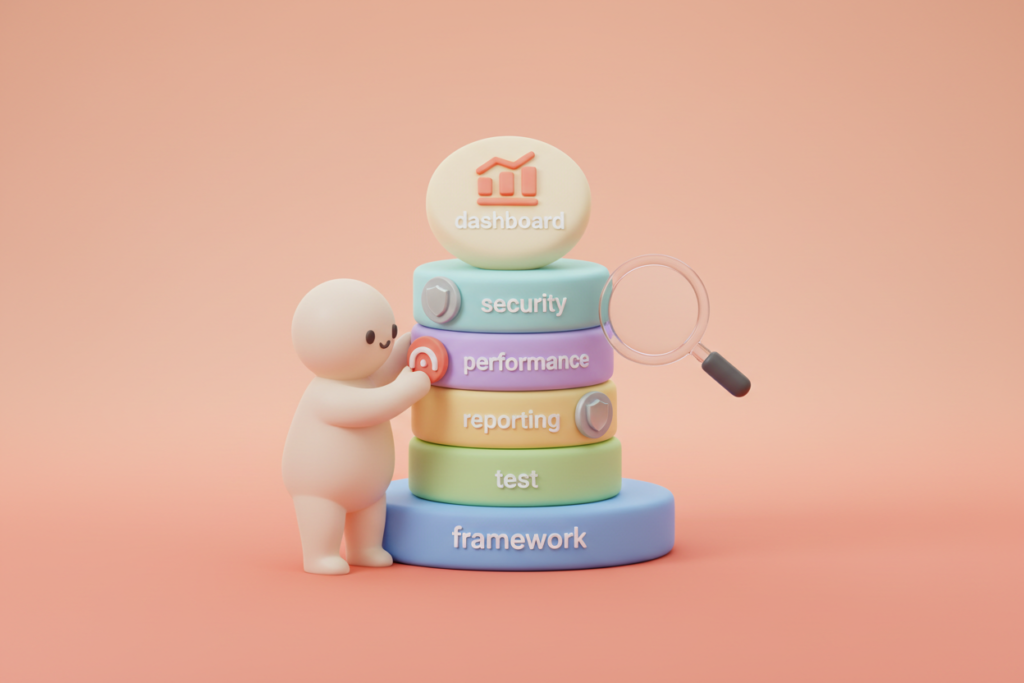
The tooling itself is Playwright for test execution (I have experimented with Selenium and Cypress to varying degrees of success/failure), but the framework goes well beyond functional tests. I layer in K6 for performance testing, OWASP ZAP for the top ten security checks, accessibility testing for WCAG 2.2 AA standards, and visual regression testing. The goal is a complete picture, functional and non-functional, all captured and reported on properly.
Reporting is a big deal. Execs need confidence about quality without drowning in detail. The team needs enough depth to actually fix what’s broken. So I build dashboards that serve both. Not a compromise between the two, but genuinely useful views for each audience.
The AI Learning Curve Is Real
Finding the right AI tool was the first hurdle. Then figuring out how far I could push it before context ran out or it started hallucinating. These aren’t small problems. You can have the best prompt in the world and still get nonsense back if the model loses track of where it is in a complex task.
I’ve learned to write detailed specs for best practices on everything being used. For example, a well-structured CLAUDE.md file is essential if you’re using Claude Code, giving the AI the best possible chance of not forgetting where we are and what we’re trying to achieve. Then I create an implementation plan broken into phases, short enough to minimise compacting and context issues, but long enough to maintain momentum.
Is it perfect? No. But it gets us at least 80% of the way there, and that remaining 20% is where my experience fills the gap.
The cost question was another sticking point. For a while I tried to do everything within the bounds of standard subscriptions. Eventually I bit the bullet and pushed forward with API access and higher-tier pricing. Funny how throwing money at AI fixes most of the context and compacting problems. It shouldn’t be surprising, but when you’re used to squeezing value out of free or open source tools, it feels like a massive leap I wish I got to sooner.
Iteration, Not Perfection
I’ve been through this process many, many times now. Not chasing perfection, because AI gives inconsistent responses regardless of how good your documentation is. But it’s getting better. Each cycle, the AI improves, my process gets simpler from lessons learned, and the output gets closer to what I actually need.
That said, hallucination is still a constant companion. Every single time, at some point, the AI will confidently produce something that’s just wrong. Or it’ll get a bit stupid for no apparent reason, not because of context limits or compacting, just because. You have to be ready for it. You have to know your domain well enough to catch it.
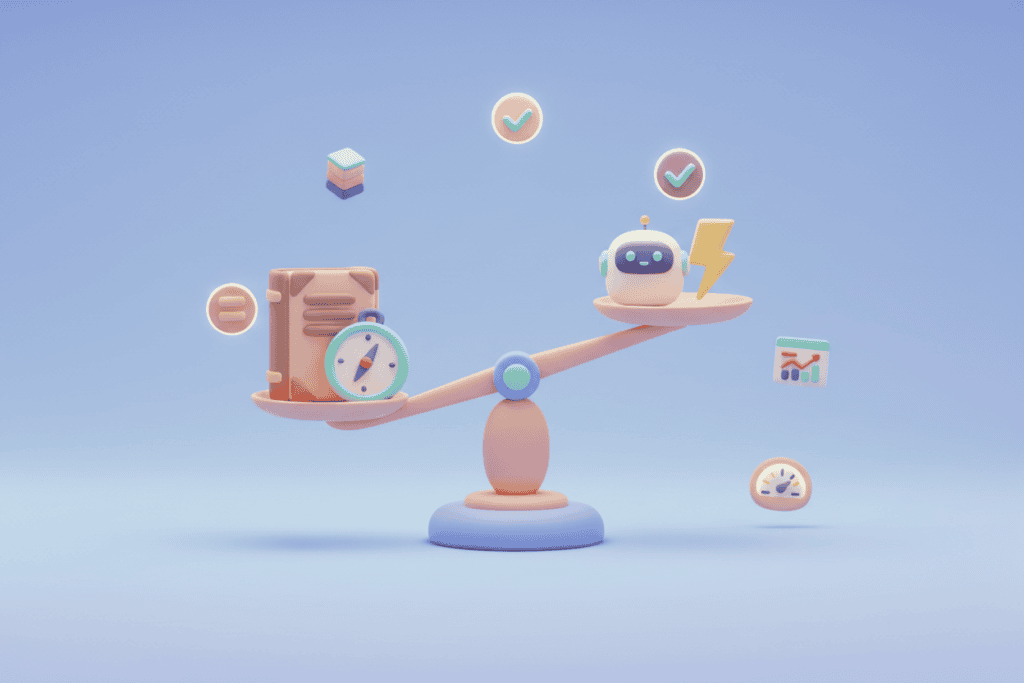
This is why I keep emphasising that AI is a tool, not a replacement. The speed gains are extraordinary, but they only work if you know what good looks like. If you can’t spot the hallucination, you’re just shipping problems.
Risk-Based Testing and the Sprint Reality
I want critical testing only, based on risk. That’s the philosophy. I also want the heavy lifting done during each sprint so regression becomes a guide rather than a bottleneck. Did our sprint go well? Did our manual testing and test case creation for regression testing do the job we actually needed?
If yes, that’s a huge success. Time saved is probably the biggest win.
Without it, QA burns out. They won’t have time to think critically about the work they’re doing, so the quality of their output drops. It’s not their fault, but it drops nonetheless. Burned-out testers aren’t thorough testers. Protecting their capacity to think critically is protecting your product quality.
The smart things done in sprint feed through to a more simplified regression test. Things need to be clean, clear and preferably only focused on what’s critical. For me, risk-based testing gives us that time. If done well.
Why I Avoid the Monolith
Here’s a question I keep coming back to: if we’ve created a software “monolith” to test the application we’re actually employed to test, who is checking what we created?
I don’t believe building massive, complex test infrastructure is smart. It creates variables that could upend things or generate issues requiring substantial effort to resolve. Every layer of complexity in your test framework is a layer that can fail independently of the thing you’re testing. That’s not testing or quality assurance, that’s risk multiplication.
Using the Page Object Model or simple scripts to verify critical paths is a choice I constantly battle. Simple, context-aware, and focused. That should be the goal. With AI, it’s more achievable than ever. You can stand up something lean and purposeful without weeks of scaffolding. Apply the KISS principle. It works well.
And with AI in tow, even when complexity creeps in, it’s actually pretty straightforward to manage. The AI handles the repetitive structural work while I focus on making sure we’re testing the right things in the right way.
The Vendor Lock-in Problem
This is where I get passionate. Open source tooling, all of it. No vendor buy-in required. I can have dashboards, real user journey tests, unit tests, functional tests, performance, security, accessibility, and visual testing running in no time. Built to the needs I actually have.
Some vendor tooling is genuinely amazing. I’m not dismissing it. But it’s costly, and you can only do what you want within their parameters. If their parameters don’t fit your way of thinking, that’s not a minor inconvenience. It’s a fundamental constraint on your ability to do your job well.
I find vendors tend to lock people into a prescribed flow. I don’t believe this is the way forward. There are so many tools I have used over the years and none of them ever met the lofty heights of what they claimed. Every organisation has different risk profiles, different team structures, different definitions of what quality means for their product. Take PII or data sovereignty for example, sometimes it’s not a consideration until you raise it. When dealing with AI, those two issues are almost always my first questions.
Which brings us to how they sell AI enhanced tools. Testing tools themselves are expensive, once they attach AI to it, even more so. Buyer beware. Not all tools will get you the result you want or how you want. Keep an open mind and use the tools you can work with over lock-in to a predetermined process.
What Comes Next
The pace of change is relentless. My next step is running my processes through agents. Through a Jira workflow, automating pieces of the Dev and QA process end to end. Keeping MCP credentials secure is non-negotiable. I may choose official CLI tools instead, paired with encryption to ensure data sent into the wild is protected. They also have the added benefit of costing ~75% less tokens. I’m not going to carelessly expose data or credentials just because the tooling makes it easy.
Yes, it costs a few AI dollars on top of a normal subscription. API keys, token usage, the works. But it puts another nail in the coffin of old-school ways of working that burned people out and took weeks to deliver what can now be done in days.
Every day brings change. New capabilities, new tools, new ways of approaching problems that were previously impossible, difficult or just painfully slow. We all have to be ready to adapt. The world isn’t going backwards. It may well hire people again, but with different needs and a different focus. Our skills need to adjust with it.
The Take
Building test frameworks with AI isn’t about replacing testers. It’s about giving them their time and sanity back. The combination of open source tooling, a disciplined approach to AI prompting, and a willingness to iterate has compressed weeks of framework development into days. That’s not theoretical. I’m doing it, repeatedly, and getting better results each time. I know others are too. Some are creating tools we can use to benefit. Just be smart about the risks in your tool choice. I am looking at you ClawdBot -> MoltBot -> OpenClaw -> ???
But the speed only works because the thinking behind it is sound. Risk-based testing, focused coverage, dashboards that serve their audience, and a deliberate resistance to unnecessary complexity. AI amplifies whatever you bring to it. Bring clear thinking and domain expertise, and you get extraordinary results. Bring vague requirements and no guardrails, and you get confident nonsense.
The biggest lesson? Trust the process, invest in the tooling, and don’t let vendor lock-in or organisational inertia stop you from doing quality work. The technology is ready, mostly. Go out there and see what you can do. Make your business better, make quality count. Iterate, learn. Rinse repeat.
A Note on Context
Every business and every project is different. What works in one place won’t work in another, and that’s the point.
Nothing here is meant to be a step-by-step prescription. It’s guidance, drawn from my own experiences, and deliberately kept general to avoid pointing fingers anywhere.
Take what’s useful, ignore what isn’t, and adapt it to your own context. Or as Joe Colantonio always says: “Test everything and keep the good.”