

Building AI-Assisted Test Automation – From Prompts to Production

Table Of Contents
Over the past several months, I’ve been deep in the weeds building something I’m genuinely excited about: an AI-assisted test automation workflow that actually works.
Not a demo. Not a proof of concept. A workflow that generates meaningful Playwright tests, runs K6 performance checks, catches accessibility and security issues, and produces reports that executives can understand and teams can act on. All with AI doing the heavy lifting, and me fine-tuning the 20% that turns “good enough” into “actually useful.”
This article is about that journey. The iterations, the failures, and what ultimately worked.
Why I Started This
Test automation is valuable, but it’s also expensive. Not just in tooling costs, but in time. Writing good automated tests takes skill. Maintaining them takes discipline. Scaling them across a product takes strategy.
Most teams I’ve worked with have one of two problems:
- They don’t have enough automation expertise. The team knows they need automation, but no one has the deep skills to build it properly. So it either doesn’t happen, or it gets done poorly and abandoned.
- They have expertise, but not enough time. The automation engineers are stretched thin. They’re maintaining existing suites, fighting flaky tests, and trying to keep up with new features. There’s no capacity to expand coverage meaningfully.
AI seemed like a potential answer to both problems. If AI could handle the bulk of test generation, the team could focus on strategy, review, and the genuinely complex scenarios. The 80/20 rule in practice.
But here’s what I learned quickly: AI doesn’t solve these problems out of the box. You can’t just one-shot prompt ChatGPT to “write Playwright tests for my application” and expect production-ready results.
You need a workflow. You need iteration. You need integrity built into the process. Most importantly, it has to scale.
The First Attempt: One-Shot Prompts (and Why They Failed)
Like most people, I started with the obvious approach. Describe a feature, ask the AI to generate tests, see what came out. Knowing full well it couldn’t be that simple, but I had to see what I was working with.
The results were mixed.
Sometimes the AI would produce something surprisingly good. But more often, the output was syntactically correct but logically wrong, too generic, not aligned with the codebase, or just inconsistent.
One-shot prompting is like asking someone to write code for a system they’ve never seen. They might get lucky, but they’re mostly guessing.
The fundamental problem: AI doesn’t have context. It doesn’t know your application, your users, your risks, or your existing test patterns. Without that context, it’s just generating plausible-looking code.
Building Context: The Foundation of Everything
The breakthrough came when I stopped thinking about AI as a code generator and started thinking about it as a collaborator that needs to be properly briefed.
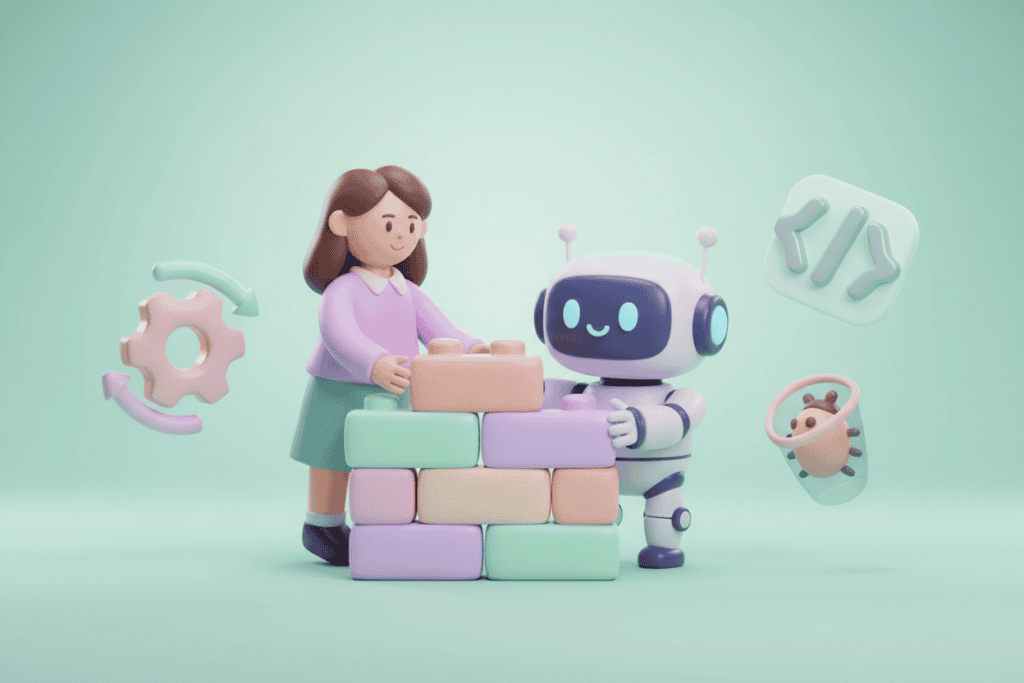
Before asking AI to write anything, I needed to give it context: what does this feature do, who uses it, what’s the tech stack, what patterns do we follow, what does “good enough” look like for us.
I started building structured context documents that capture this information. When I work with AI, I feed it the relevant context before asking for output. I even ask it to build plans for any work required, to verify the direction we are heading and detail is correct.
This changed everything. Instead of generic tests, I started getting tests that actually fit the codebase. The AI understood the patterns because I’d taught it the necessary patterns.
The Workflow
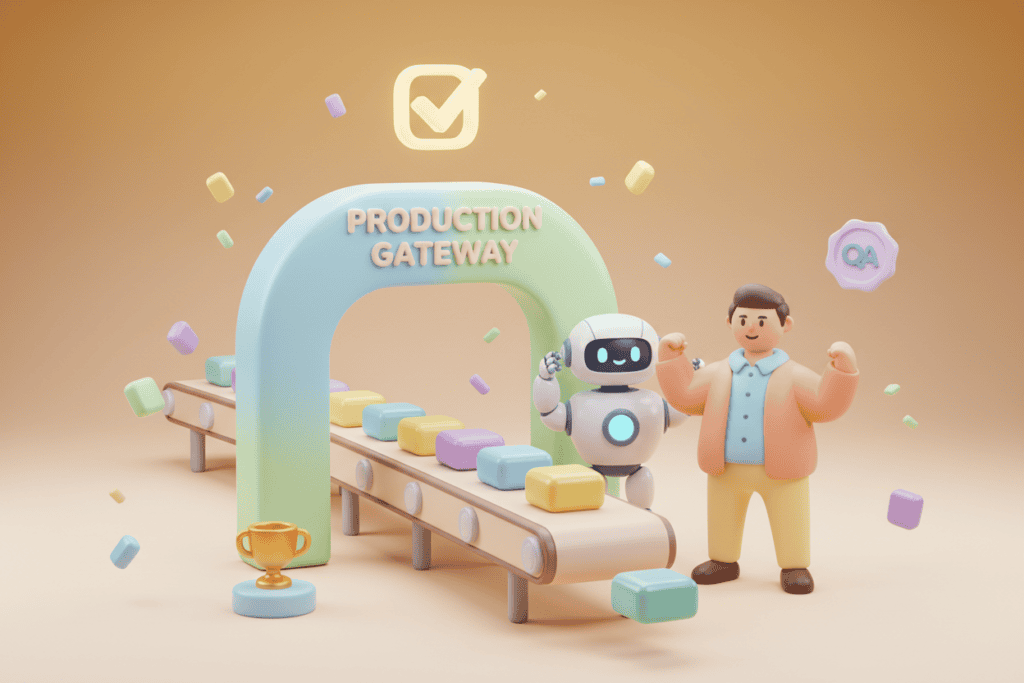
After plenty of iteration, I landed on a workflow that moves through five stages: defining scope, generating test structure, implementing incrementally, layering in performance, accessibility, and security checks, and generating reports.
Each stage involves AI doing the bulk of the work and me reviewing, adjusting, and refining. The key is iteration, not perfection. If the AI misunderstands something, I catch it early rather than after generating fifty tests.
The reporting stage is where the value really compounds. I use AI to transform raw test outputs into two formats: an executive summary with traffic-light status and top risks, and a team action report with detailed findings and follow-ups. A task that used to take hours now takes minutes.
What I Learned Along the Way
Iteration beats perfection. My first instinct was to build the “perfect” prompt that would generate perfect tests every time. That’s a trap. AI output always needs review and refinement, similar to a normal sprint refinement. Accepting that and building iteration into the workflow is faster than chasing perfection.
Context is everything. The quality of AI output is directly proportional to the quality of context you provide. Invest time in building good context documents. It pays off repeatedly.
AI is a collaborator, not a replacement. I’m not trying to remove humans from the process. I’m trying to shift where humans spend their time, away from repetitive generation and toward strategic thinking and quality review. The best results come from treating AI as a capable junior-mid team member who needs clear direction and whose work needs review.
Integrity requires process to scale. If you just prompt AI and ship whatever it produces, you’re going to have problems. Integrity means reviewing every generated test, running tests locally before committing, and maintaining human ownership of quality decisions. The 80/20 split isn’t about laziness. It’s about leverage. AI handles the bulk of the work; humans handle the judgement.
Start small and expand. I didn’t build this overnight. I started with one feature, one type of test, one report format. I refined until it worked, then expanded. If you try to automate everything at once, you’ll automate nothing well.
The Impact: Quality, Risk, and People
Quality impact. We’re generating test scenarios we wouldn’t have had time to write manually. Edge cases, accessibility checks, performance baselines, things that would have been “nice to have” are now standard. With more automated coverage running earlier in the pipeline, we’re catching issues before they reach UAT or production.
Risk impact. The reporting layer means stakeholders actually understand the quality status. No more “trust us, we tested it.” Real data, clearly presented. When we accept risk or skip testing in certain areas, it’s explicit and recorded.
People impact. This is the part I’m most excited about. Team members who aren’t automation experts can now contribute. Junior testers are learning by reviewing AI-generated code. Senior testers spend less time on repetitive test writing and more time on exploratory testing, risk analysis, and strategy. This isn’t about replacing people. It’s about amplifying and uplifting them.
What Doesn’t Work (Yet)
I want to be honest about the limitations.
AI struggles with deeply domain-specific scenarios that require understanding nuanced business rules. When tests fail intermittently, AI can help investigate but often can’t diagnose root causes without extensive context. This takes time and requires a lot of human guidance and interaction.
I’m cautious about using AI for security-specific testing where the stakes are high. Basic OWASP checks sure, nothing in-depth. And if your application has unusual patterns or limited documentation, the AI will struggle more.
These aren’t reasons to avoid AI-assisted testing. They’re reasons to be realistic about where it fits.
The Take
AI isn’t going to replace testers. But it is going to change what testers do.
The teams that figure out how to integrate AI effectively will have a significant advantage. More coverage, faster feedback, better reporting, all without proportionally increasing headcount or burning out their existing team.
But getting there requires work. You can’t one-shot your way to production-ready automation. You need context, iteration, and human judgement at every step.
The 80/20 rule is real. AI can handle the bulk of generation, but the 20% that humans contribute, the strategy, the review, the judgement calls (i.e. risk), is what turns output into value.
I’m still iterating on this myself. The workflow will keep evolving as AI capabilities change and improve. But the core principle will stay the same: AI as a collaborator, not a replacement. Integrity built into the process. Humans in the loop where it matters.
AI capabilities will keep improving, and while there’s plenty of speculation about where it’s headed, the practical reality today still requires significant human involvement.
If you’re exploring this space, I’d encourage you to start. Not with the expectation of perfection, but with the willingness to iterate. That’s where the real learning happens. It also means you won’t be left behind.
A Note on Context
Every business and every project is different. What works in one place won’t work in another, and that’s the point.
Nothing here is meant to be a step-by-step prescription. It’s guidance, drawn from my own experiences, and deliberately kept general to avoid pointing fingers anywhere.
Take what’s useful, ignore what isn’t, and adapt it to your own context. Or as Joe Colantonio always says: “Test everything and keep the good.”